
Bring customers back. Again and again.
Collect an email at checkout and let iReclaimIt do the rest. Automated campaigns turn first-time buyers into regulars, and your dashboard shows exactly how much revenue came back.
14 days free. No credit card required.
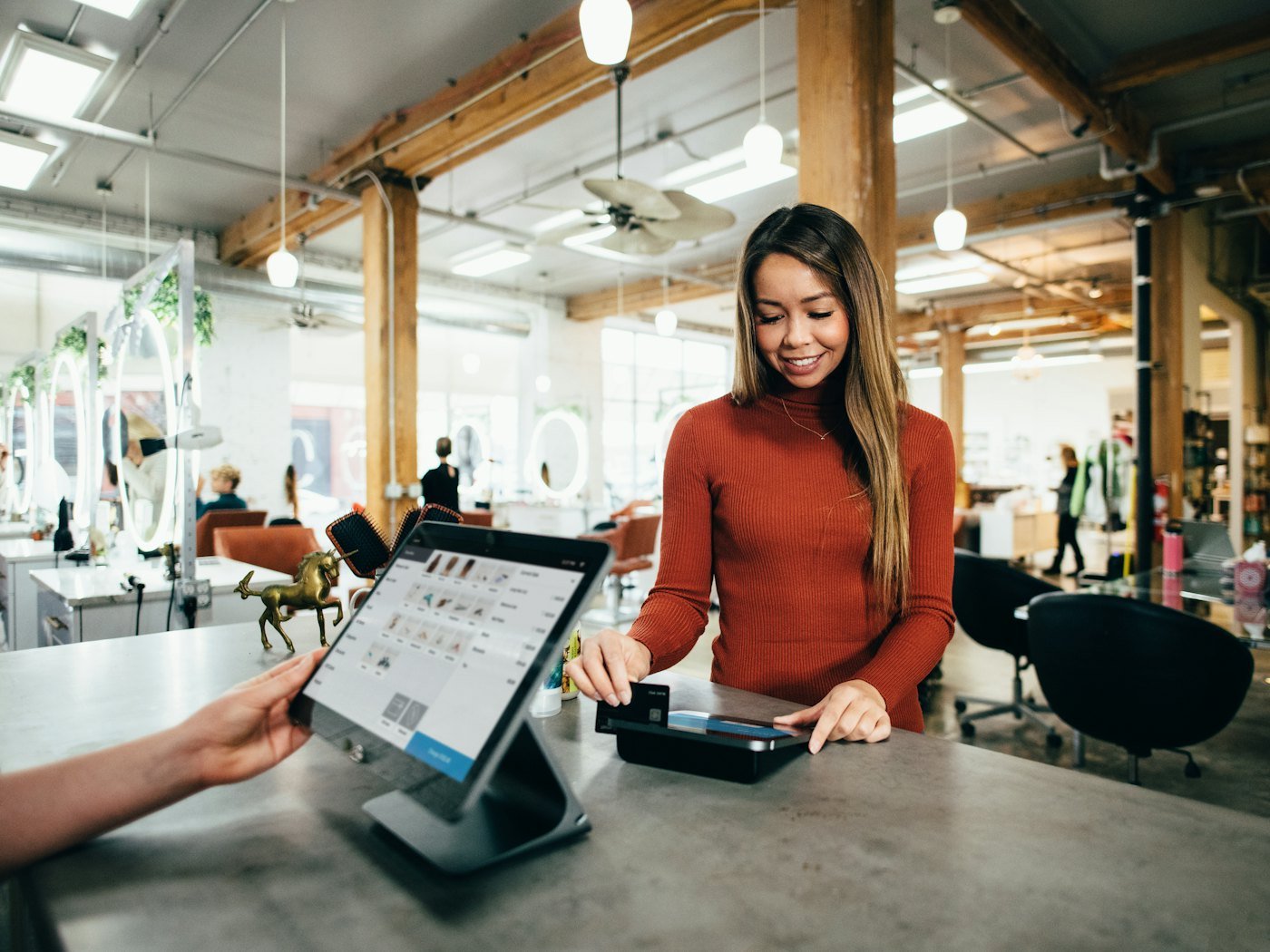
$2,875
Reclaimed revenue.
It is far cheaper and easier to keep and upsell an existing customer than to constantly hunt for a new one.
Turn first-time buyers into regulars.
Capture every customer.
QR code, counter tablet, your POS or a CSV import.
Let campaigns do the work.
Email and SMS offers go out on their own, each with a unique code.
Know exactly what came back.
Revenue reclaimed, revenue at risk and what you can still win back.
Made for the places people come back to.


Retention tools to help you keep growing.
iReclaimIt Campaigns
Five ready-made campaigns are switched on the moment you sign up. Edit the offer, the timing and the words, or add your own.
Explore campaignsiReclaimIt Dashboard
Watch customer health, see which campaign earns the most, and track your return on every dollar you spend with iReclaimIt.
Explore the dashboard5
campaigns ready on day one.
15 min
between checks for customers due an offer.
14 days
free, with no credit card.
Simple pricing that pays for itself.
Compare all plansStarter
$32/mo
1,000 customers · 3,000 emails / month
Growth
$87/mo
10,000 customers · 30,000 emails / month
Pro
$207/mo
Unlimited customers · 150,000 emails / month
Frequently asked questions.
What does iReclaimIt actually do?
One thing: it gets customers who bought from you once to come back and buy again. You collect an email at checkout, and iReclaimIt sends the right offer at the right moment, from a welcome after the first visit to a win-back when someone starts drifting away. Your dashboard then shows how much revenue came back.
How do I collect customer emails?
Print your QR code at the till or open your signup page on a counter tablet. Staff can also add customers on the Record sale screen, you can import a CSV from your POS, or connect your POS or online store through the API.
How long does setup take?
Most businesses are live in under five minutes. Five starter campaigns are switched on the moment you sign up, so the only thing left to do is start collecting emails.
What kind of businesses is it for?
Any business where customers can come back: cafés, restaurants, salons, barbers, gyms, boutiques, bakeries, car washes, clinics and online shops.